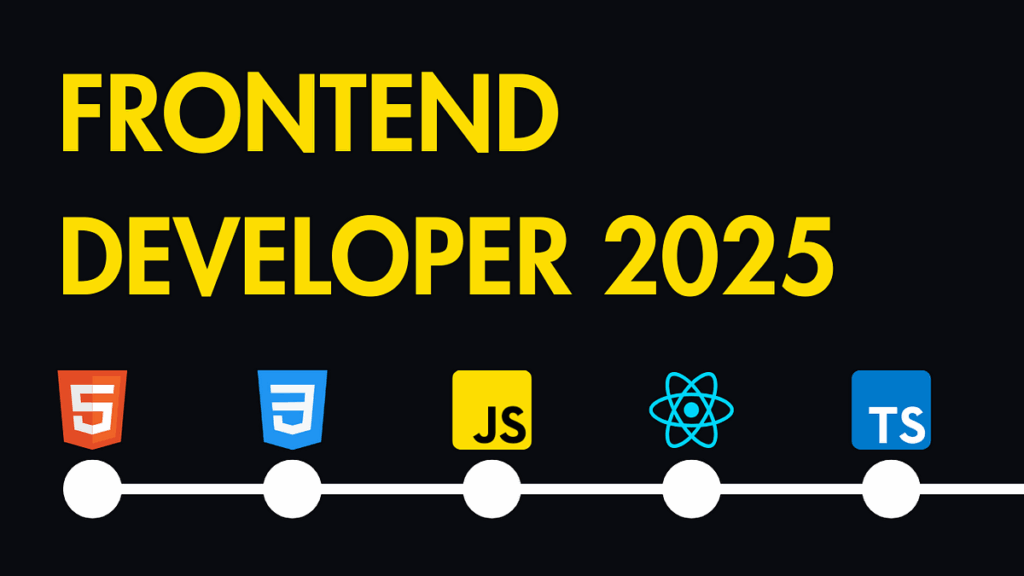
Whether you’re a newcomer to web development or a seasoned coder refreshing your toolkit, setting up a modern front-end development environment in 2026 has never been more efficient. With evolving tools and frameworks, it’s essential to stay current. Here’s a step-by-step guide to get you up and running.
1. Choose Your Code Editor
The foundation of your environment is your code editor. In 2026, Visual Studio Code (VS Code) remains the most popular choice thanks to its flexibility, extensions, and built-in terminal.
Recommended VS Code Extensions:
- ESLint – for JavaScript linting
- Prettier – for auto-formatting code
- Tailwind CSS IntelliSense – for utility-first styling
- GitLens – for Git integration
- Live Server – for quick browser previews
2. Set Up Node.js and Package Managers
Modern front-end tools rely on Node.js. Download the latest LTS version from nodejs.org. This installs both node and npm (Node Package Manager).
In 2025, many developers prefer using pnpm or Yarn 3+ for faster installs and better dependency management. You can install pnpm globally using:
bashCopyEditnpm install -g pnpm
3. Choose a Build Tool
The days of slow builds are over. In 2026, Vite is the standard for blazing-fast development and optimized builds. It’s compatible with React, Vue, Svelte, and more.
Install Vite with your preferred framework:
bashCopyEditnpm create vite@latest my-app
Follow the prompts to select your framework (e.g., React, Vue, Svelte).
4. Configure Linting and Formatting
Clean code is easier to maintain and debug. Use ESLint and Prettier together:
bashCopyEditpnpm add -D eslint prettier eslint-config-prettier eslint-plugin-react
Then configure .eslintrc.json and .prettierrc files in your project root to set rules and formatting preferences.
5. Set Up Git & Version ControlInitialize Git for version control:
bashCopyEditgit init
Create a .gitignore file to exclude node_modules, .env, and other unnecessary files. If you use GitHub, install the GitHub CLI for better integration.
6. Use a Component Library or Design System
Save time and ensure consistency by installing a UI library. In 2026, Radix UI, ShadCN UI, and Chakra UI are popular choices for React developers.
Example (ShadCN UI with Vite + React + Tailwind):
bashCopyEditnpx shadcn-ui@latest init
7. Run and Test Your App
Use the Vite development server:
bashCopyEditpnpm dev
For testing, tools like Vitest (Vite-native test runner) and Playwright are great for unit and end-to-end testing respectively.
Final Thoughts
Setting up a front-end development environment in 2026 is faster, lighter, and more modular than ever before. With tools like Vite, Tailwind CSS, and pnpm, you can go from zero to production-ready in record time. Keep your setup minimal, version-controlled, and tailored to your project needs—and you’ll be ready to build the web of the future.