

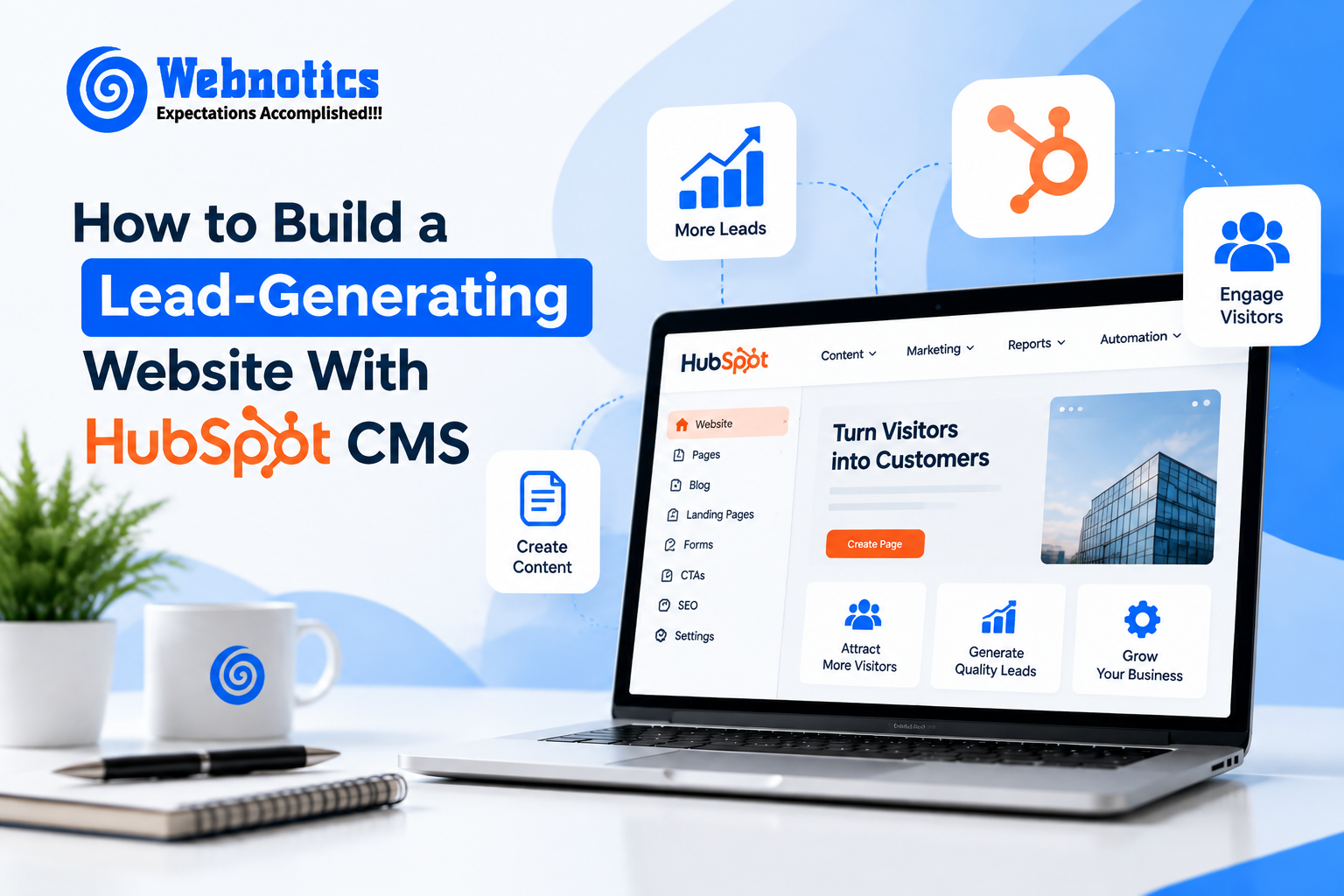
The site for the business is not meant to merely display the services provided by the firm. It is supposed to capture the attention of the appropriate clientele, build their confidence and nudge them towards action. With proper strategy, the HubSpot CMS can help firms create such sites.
HubSpot CMS has tools such as forms, landing pages, analytics, calls to action as well as integration with the CRM.
1. Start With a Clear Conversion Strategy
Before creating the website, it is important to consider what you would like your visitors to do. It could be asking for a consultation, signing up for a demo, downloading information, making inquiries, and so forth.
All pages need to have a clear purpose and clear action step so that the visitor knows what to do next.
2. Create Landing Pages for Specific Audiences
No single page can serve all users equally well. Create dedicated landing pages for each of your products, services, industries, or campaigns.
The HubSpot Landing Pages application will assist you in designing targeted landing pages, measuring conversion rates, and improving their performance.
3. Use Forms to Capture Leads
The form plays an important role in a lead-generation website. Businesses do not have to ask visitors for a contact number or email address; they can use forms to get relevant information.
Do not clutter your forms with unnecessary information. If you ask visitors for too much information, they will feel uncomfortable.
With the help of HubSpot forms, businesses can directly integrate forms on HubSpot pages and landing pages to store the visitor’s information in their CRM system.
4. Add Clear Calls-to-Action
It is important to make the next step for the user clear through the website. Calls to action such as Request a Consultation, Book a Demo, Get a Quote, or Speak to our Team will come in handy.
The CTA tools in HubSpot include buttons, banners, pop-ups, and many other types of CTAs. Visitors can be directed to landing pages, meeting links, and even outside websites. For more information, refer to HubSpot CTA Tools.
5. Connect Your Website With CRM and Automation
Lead generation comes in handy where data collected is utilized in your sales and marketing activities.
Webnotics develops conversion-oriented HubSpot Websites with CRM and API integration, automation, custom modules, and scalable digital experiences. To see how this can help you in your business, read HubSpot CMS Development Services.
6. Track and Improve Performance
The launch of the website is only the beginning. Keep an eye on important data such as traffic, form submissions, CTA clicks, landing page conversion rate, and lead quality.
Use this information to figure out what pages need improved content, better CTA copy, or an optimized user experience.
For businesses looking for technical expertise, Webnotics’ Web Development Services can provide scalable, high performance solutions.
Final Thoughts
A lead-generating HubSpot website combines useful content, focused landing pages, forms, clear CTAs, CRM integration, and continuous optimization. The goal isn’t simply to attract more visitors but to create a website journey that makes it easier for relevant visitors to become leads.
Ready to build a lead-generating HubSpot website? Contact Webnotics to discuss your website, CRM integration, and conversion requirements.